
AI Hardware Accelerators vs CPUs
Explore AI hardware accelerators vs CPUs, their performance differences, and how model optimization impacts AI system efficiency.
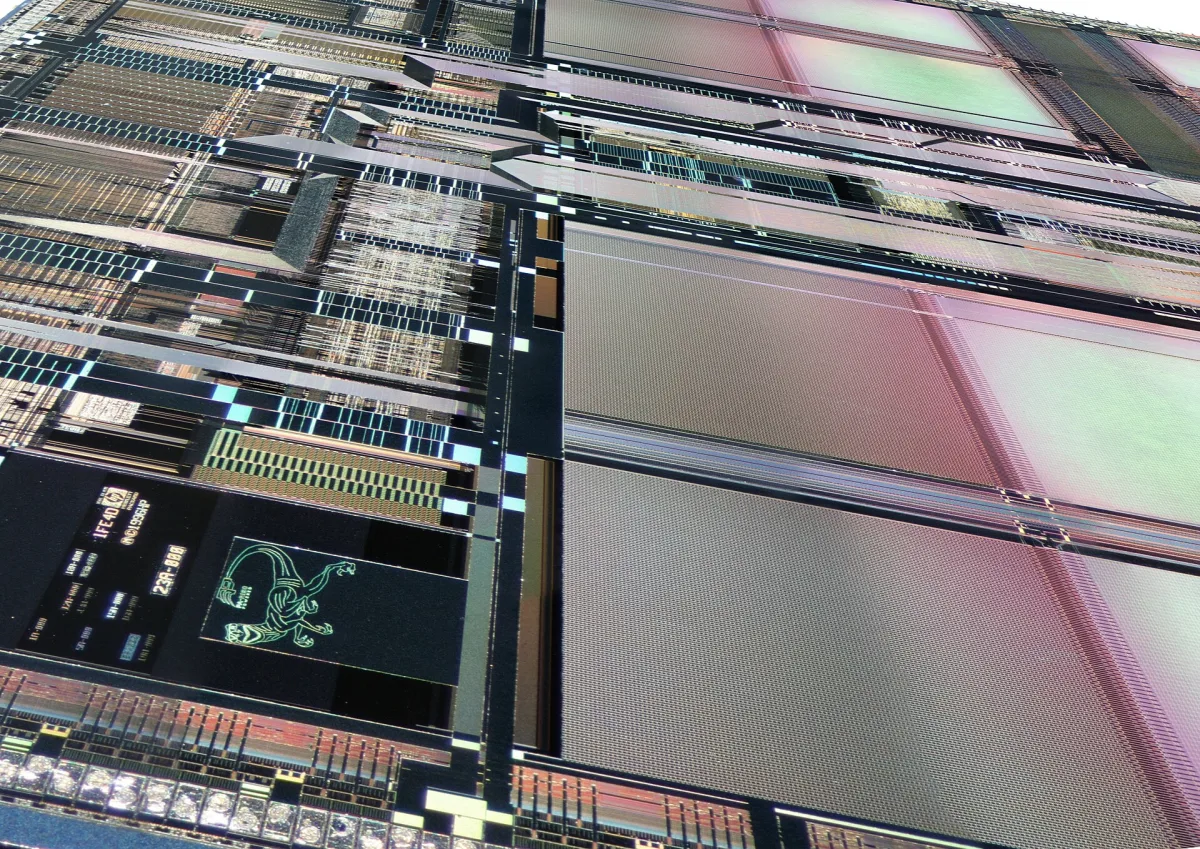
Photo: Thomas Schanz, CC BY-SA 4.0, via Wikimedia Commons
A trace full of matrix multiplies points one way
A profiler trace showing long runs of matrix multiplication, attention, and embedding operations is the classic case for an AI accelerator. Those operations repeat across large arrays of numbers, with enough parallel work to keep many arithmetic units occupied.
A trace full of request routing, Python callbacks, database queries, tokenization, conditional logic, and small one-off jobs points toward a CPU. The model may still need acceleration, but the surrounding service often does not.
The head-to-head choice here is a modern server CPU versus a dataflow-style AI accelerator, the family that includes purpose-built hardware designed around neural-network graphs. GPUs sit between them: programmable like CPUs, but architected for massive parallel throughput.
IBM Technology frames the difference as a scheduling question: what runs next, and who decides? The underlying math may be identical, yet the hardware spends its transistors very differently to execute it.
CPU versus AI accelerator, head to head
A server CPU has a small number of powerful cores built for low-latency work across varied programs. It can handle branches, operating-system tasks, databases, pointer-heavy data structures, function calls, and irregular request paths without requiring an application to resemble a neat matrix.
The CPU also performs dynamic instruction scheduling. It can break an instruction stream into smaller operations, find operations whose inputs are ready, execute them out of order, and still retire them in the order software expects.
A dataflow-style accelerator instead maps operations and data transfers across a compute fabric. Its compiler can schedule both the arithmetic and the movement of tensors between memory and compute engines, so the chip performs less general-purpose decision-making at runtime.
That architecture works best when a model's shapes and operations are stable. A systolic array, for example, passes weights and activations through neighboring multiply-accumulate units, reusing data locally during dense linear algebra instead of repeatedly fetching it through a conventional memory hierarchy.
| Criterion | Modern server CPU | Dataflow-style AI accelerator |
|---|---|---|
| Primary design goal | Low-latency execution across diverse software | High efficiency on mapped AI compute graphs |
| Scheduling model | Dynamic instruction scheduling, driven by a general instruction stream | Compute and data movement scheduled explicitly through the graph |
| Best workloads | Branchy logic, orchestration, small jobs, databases, preprocessing, mixed services | Dense matrix operations, stable tensor shapes, repeated inference or training patterns |
| Parallelism | A handful of powerful cores | Large grids of specialized compute units and high parallel data movement |
| Irregular control flow | Strong, because cores can change direction efficiently | Weakens when control flow, shapes, or operations become dynamic or unsupported |
| Small batches and sporadic traffic | Often a better fit because startup and scheduling overhead stay low | Can be underused when there is not enough work to fill the fabric |
| Model and compiler demands | Broad software compatibility and mature general-purpose tooling | Requires supported operators, graph compilation, layout tuning, and deployment discipline |
| Main performance risk | Runs out of arithmetic throughput on large tensor workloads | Loses efficiency on dynamic graphs, poor mappings, data-transfer stalls, or low utilization |
| Cost risk | Paying for CPU capacity while accelerator-friendly model work runs slowly | Paying for expensive hardware that sits idle or needs major infrastructure support |
| Best role in an AI system | Control plane, serving logic, preprocessing, postprocessing, and general application work | Training or high-volume inference for models that map cleanly onto its architecture |
Where GPUs fit between the two
A GPU is not a dataflow accelerator in the narrow architectural sense, though it is an AI accelerator in the purchasing sense. It still executes instruction streams, but applies them across many simple compute lanes at once.
GPU threads are grouped into execution units such as warps or waves. When one group waits on memory, the processor can schedule another ready group, hiding memory latency by keeping many groups in flight.
This makes GPUs broadly capable for AI work, particularly because the software ecosystem is mature and the same device can run many kinds of parallel code. It also creates a familiar failure mode: divergent branches leave some lanes waiting while others execute.
For a single scalar addition followed by a multiplication, a GPU offers little inherent advantage. The throughput advantage appears when the same operations run across vectors, matrices, batches, or many independent requests.
Dataflow hardware pushes farther toward specialization. Research on hierarchical data pipelining for AMD GPUs reports a 1.88 times geometric-mean training-step speedup by reducing stalls caused by delayed data transfers, a result that highlights why movement and scheduling can matter as much as arithmetic throughput. [1]
Performance claims need a workload, not a slogan
“Faster for AI” is not a complete hardware result. You need the model architecture, parameter count, precision, batch size, input and output lengths, sequence concurrency, compiler version, memory capacity, networking, and the full latency distribution.
A system can post strong accelerator utilization during a long offline batch and still produce poor interactive performance. Queueing, tokenization, retrieval, CPU-side preprocessing, memory copies, and postprocessing can dominate the user-visible response time.
CPU vendors are also responding with AI-focused designs. Tom’s Hardware reported Arm’s claim that its AGI CPU delivered nearly twice the rack-level performance of AMD’s EPYC 9755 across seven agentic AI workloads, using a methodology developed with Fujitsu, Meta, and OpenAI. [2]
That is a meaningful result for the workloads tested, especially because agentic systems include more than tensor math. It is not a blanket result for every model-serving, training, or inference workload, and vendor-designed methodologies deserve close inspection.
For general CPU comparisons, SPEC CPU 2026 includes 52 application benchmarks designed to represent a range of real software. A broad suite helps, but it still cannot substitute for testing your own request mix and deployment stack.
Hardware cost is mostly a utilization problem
An accelerator can be expensive before you power it on. Thunder Compute lists individual Nvidia B200 GPUs at roughly $45,000 to $55,000, while 8-GPU B200 systems are listed around $450,000 to $550,000.
Those figures cover hardware, not the surrounding deployment. Networking, storage, racks, power delivery, cooling, support, engineering time, and the software needed to operate a multi-node cluster can materially change the total.
Nvidia B200 power draw can be configured up to 1,000 watts per GPU, according to Ancapex. Datacenter Census lists rental prices ranging from $6.00 to $14.24 per GPU-hour, which can make cloud capacity attractive for short or uncertain demand.
The public record is much thinner on a clean enterprise operating-cost comparison between CPUs and accelerators. What is clear is that utilization changes the economics sharply: an accelerator tied up by idle periods, data stalls, or undersized batches burns capital without delivering its intended throughput.
Tom’s Hardware offered an extreme illustration in its report on tufazip, a transformer-based lossless compression project. It reported that compressing or decompressing one gigabyte of Wikipedia to 105.39MB required two Nvidia B200 GPUs and about a week.
That example is not a general AI hardware benchmark, but it is a useful warning against equating specialized hardware with cheap results. A high-end accelerator can make a difficult computation possible while still being commercially irrational for the task.
Optimize the model before scaling the fleet
Hardware selection starts with the model you plan to run, not the model card's headline parameter count. First profile operator time, memory traffic, CPU utilization, accelerator utilization, batch behavior, and end-to-end latency under expected production traffic.
Then remove waste. Use supported lower-precision execution where model quality allows, fuse operations where your compiler supports it, avoid needless host-device transfers, and tune batching to meet your latency target without creating long queues.
Static tensor shapes and supported operations give dataflow compilers more room to map work efficiently. Dynamic routing, arbitrary Python inside the request path, novel operators, and rapidly changing input shapes make an accelerator deployment harder to optimize.
Distillation is often the highest-leverage model-side option. A smaller student model is trained to imitate a larger teacher model, aiming to preserve the behavior that matters for a defined task while reducing computation and memory demands. [3] [4]
That can shift deployment from a scarce accelerator pool to smaller accelerators, edge devices, or CPU-based serving for constrained tasks. Distillation is widely used in deployment work, but public data does not establish a reliable industry-wide adoption rate or a universal quality-to-cost trade-off. [3] [4]
Do not assume a distilled model is a drop-in replacement for its teacher. Evaluate it on your production distributions, including rare document types, long inputs, safety checks, structured output, retrieval failures, and the cases where users escalate to a human.
Hebbia’s evaluation of OpenAI’s GPT-6 Astra shows why task-specific measurement matters. In tests run by the financial-research company, the model led the best alternative by 13.6 percentage points on citing required source types and achieved 99.5% relevant cited excerpts.
OpenAI News reported that Hebbia also found GPT-6 Astra met 97.9% of applicable presentation requirements, a 14.4-point lead over the best alternative tested. Those are quality and workflow measures, not hardware measurements, but they identify the model behavior worth preserving during optimization.
For a finance workflow, a compact model that produces faster slides but loses citation accuracy could be a bad trade. The target is not the smallest model or the fastest chip, it is the cheapest system that meets the job’s accuracy, traceability, and latency requirements.
Who each option suits
Choose a modern server CPU if your service spends substantial time on request handling, retrieval, data transformation, databases, control flow, or many small and irregular tasks. It is also the safer starting point for prototypes and lower-volume deployments where specialized hardware would remain underfilled.
A CPU falls down when dense tensor operations become the dominant cost. Large-model inference and training can consume its arithmetic capacity quickly, and scaling those workloads across CPUs may be less efficient than moving the tensor-heavy portion onto accelerators.
Choose a dataflow-style AI accelerator if you run stable, supported models at enough volume to sustain high utilization. It suits repeated inference, training, and fixed-shape tensor workloads where graph compilation can place arithmetic and data movement efficiently across the hardware.
A dataflow accelerator falls down when your model graph changes frequently, its operators are unsupported, traffic arrives in small bursts, or the broader application spends most of its time outside tensor computation. In those cases, the chip can become an expensive dependency with little end-to-end benefit.
Choose GPUs when you need a middle ground. They suit teams that need accelerator throughput but also need broad programmability, mature tooling, and the flexibility to run multiple model families. We would start with optimized GPU deployment for most large-model workloads, then consider a more specialized accelerator only after profiling shows a stable workload that can keep it busy.
Frequently Asked Questions
When should I use AI hardware accelerators instead of CPUs?
Use AI accelerators when your workload involves dense tensor operations repeated enough to keep the accelerator busy, such as large matrix multiplies, attention, and embedding operations. CPUs are better suited for tasks with branching logic, orchestration, data preparation, small batches, or mixed services where irregular control flow and dynamic instruction scheduling are important.
What are the performance differences between CPUs and AI accelerators?
CPUs have a few powerful cores optimized for low-latency execution across diverse and irregular tasks, while AI accelerators have many specialized compute units designed for high efficiency on stable, mapped AI compute graphs. Accelerators excel at dense, parallel tensor computations but lose efficiency on dynamic or unsupported workloads, whereas CPUs handle irregular control flow and small batch sizes more effectively.
How do GPUs compare to AI accelerators for machine learning?
GPUs occupy a middle ground: they execute instruction streams across many parallel lanes and can hide memory latency by switching between thread groups. They offer broad AI capability with mature software support but can suffer from inefficiencies when branches diverge. AI accelerators push further specialization by explicitly scheduling compute and data movement, which can reduce overhead and improve efficiency for stable models.
What factors affect the choice between CPUs and AI accelerators?
Key factors include the nature of the workload (stable tensor shapes versus dynamic control flow), batch size, model stability, and scheduling overhead. CPUs are preferred for workloads with branching, preprocessing, and small or sporadic jobs, while accelerators are better for high-volume inference or training on models that map cleanly onto their architecture. Additionally, utilization rates and the cost of idle hardware influence the decision.
How does model optimization impact AI hardware efficiency?
Optimizing and profiling models before selecting hardware is crucial because it can reveal bottlenecks unrelated to raw compute, such as data loading or application logic. Techniques like model distillation can reduce model size and computational demands, making deployment on smaller or less expensive hardware feasible, though this may trade off some model capability for efficiency.
How we researched this
This article was assembled from 1 video source, 2 published articles, 4 cited references.
Nothing here is based on hands-on testing. Where a figure or finding appears, it belongs to the source cited beside it, and the writing says so rather than implying otherwise. Every source is listed below so you can check it.
Sources
AI Accelerators vs. CPUs: Why They Think Differently, IBM Technology
Hebbia sees improvements in financial research with GPT-6 Astra, OpenAI News
Model Distillation Techniques for Deploying Large Language Models (LLMs) in Mobile AI Tools
Watch AI Hardware: Accelerators vs CPUs and Model Optimization on Youtube
Related Articles
AI Model Performance and Hardware Optimization Explained
Explore AI model performance and hardware optimization, focusing on KV cache, memory, and serving runtime for efficient inference.

AI Model Deployment Best Practices and Cloud Infrastructure
Learn AI model deployment best practices, GPU selection, serverless options, and securing cloud infrastructure for efficient AI inference.

AI Model Infrastructure Optimization Techniques Explained
Learn AI model infrastructure optimization techniques to improve inference latency, local deployment, tokenization, and GPU utilization effectively.
AI Models and Chips Comparison in 2026: Jalapeño vs Gemini
Compare AI models and chips in 2026, including OpenAI's Jalapeño and Google's Gemini 3.7 Flash, with insights on performance, cost, and deployment.