
Agentic AI Design Principles for Reliable AI Agents
Learn key agentic AI design principles including the observe-plan-act-verify loop for building reliable and controlled AI agents.

The agent loop is the product
You point a phone camera at a broken piece of equipment, ask an assistant what it sees, and expect it to open the right service ticket. That request sounds like a chatbot interaction. It is actually an agent loop.
An AI agent is software that pursues a goal by observing an environment, selecting an action, using tools, and checking what happened. The language model supplies interpretation and planning, but the surrounding software determines what the agent can actually do. [2]
This is the concept behind the rise of agentic AI. A conventional generative AI application produces an answer, image, summary, or draft. An agentic system continues after its first answer, potentially retrieving records, querying APIs, updating a database, and asking you for approval.
Simplilearn frames an AI engineer’s job as turning a model into a reliable product feature through four stages: define, build, evaluate, and operate. That description applies particularly well to agents, because their reliability depends on operations after launch, not model quality alone.
The loop has four parts: observe, plan, act, and verify. If you are building with agents, each part needs its own interfaces, permissions, failure handling, and measurements. The model is only one component.
Observe: give the agent the state it needs
Observation is the data the agent can use before deciding what to do. It may include a user request, documents retrieved from a knowledge base, CRM records, calendar events, API responses, terminal output, or a live video feed.
Retrieval-augmented generation, often called RAG, is a common observation layer. Instead of expecting a model to memorize your policy manual or support history, the system retrieves relevant passages and places them in the model’s context for the current task.
This helps with freshness, but it does not make the retrieved material correct or complete. A support agent can still retrieve an outdated return policy, misunderstand an exception, or miss the document that would have changed its answer.
The same issue appears in software agents. David Ondrej, a startup builder and creator of the Cloud Room agent development environment, recommends separating work into single-task threads, such as one feature, one bug, or one investigation.
That is an observation-control technique as much as a productivity preference. A session filled with unrelated instructions, files, and half-finished tasks gives an agent ambiguous state, making it easier for the model to edit the wrong file or pursue a stale objective.
Claude Code, described by Nate Herk of the AI Automation channel as an assistant that operates within a local computer folder, shows why this matters. Once an agent can read, create, move, and edit files or run commands, its context is part of its access control.
A model may have a large context window, but feeding it every available document is rarely a strong design. More material raises token costs, increases latency, and leaves the model to identify what matters among irrelevant instructions and potentially conflicting information.
Plan: convert a goal into bounded work
Planning is where an agent turns “resolve this request” into a sequence of steps. A capable model can identify missing information, choose a tool, call it, inspect the response, and decide whether to continue or ask you a question.
That is different from a workflow automation rule. A rule says, “When an invoice arrives, save it to this folder.” An agent might classify the invoice, compare it with purchase records, flag discrepancies, draft an approval request, and wait for a human decision.
The advantage is flexibility. The cost is uncertainty. Natural-language goals are incomplete, and an agent can interpret “handle this customer issue” as a dozen different actions, some of which may be inappropriate without a person setting boundaries.
We would begin with a narrow goal and a fixed action inventory. An agent that can search an internal knowledge base, draft a reply, and create a ticket is easier to control than one that can also issue refunds, delete accounts, or alter pricing.
Planning also needs a stopping rule. Otherwise, agents can waste money and time trying variations of the same failed operation, repeatedly querying tools, or escalating into increasingly complex sub-tasks without making progress.
Herk’s tests of Claude effort settings illustrate this cost curve. In one task, low effort finished in about 17 minutes for under $4 but produced glitches, while extra-high effort took about 90 minutes and cost about $26. Maximum effort took roughly 2.5 hours and cost $50, yet remained buggy.
Those figures come from one builder’s workflow, not a general pricing benchmark. They show why you should measure completed, accepted work per dollar and minute, instead of assuming that a longer reasoning trace produces a better operational outcome.
Claude model access also has more complicated economics than a subscription label suggests. Using Claude reports that Opus 5.5 delivers performance near Fable 5.1 on many tasks while cutting operational costs by about 40% compared with Opus 5. [1]
The public picture is clearer for API usage than subscriptions. Your agent’s actual bill depends on input and output tokens, cached context, tool calls, retries, and the amount of material it reads before producing an action. [1]
Act: APIs turn a model into an agent
The action layer is where an agent leaves the chat box. It can call APIs to search inventory, create a record, send a message, schedule an appointment, trigger a build, or control software through a browser or terminal.
An API is a structured interface that lets one program request work from another. The agent does not “know” how to book a meeting in the human sense, it selects a calendar tool and supplies fields such as invitees, time, title, and permissions.
Tool design decides how much damage a bad decision can cause. A tool named send_email with arbitrary recipients and content gives an agent broad authority. A tool named draft_customer_reply that requires approval keeps the agent in a safer lane.
Herk describes Anthropic’s Duet preview as an agent that can inspect connected email and calendars, flag items, draft replies, and follow up on quiet threads. It is designed to ask before sending messages, making payments, signing documents, deleting material, or taking similar consequential actions.
That approval gate is not an admission that agents are weak. It is part of the product design. An agent can prepare the work quickly while the person who owns the relationship, budget, or legal responsibility confirms the final action.
For software teams, the corresponding gate is a pull request, test run, or deployment approval. Ondrej says he has used AI coding systems to accelerate production changes, but his own workflow places reproduction, testing, type checks, and interface screenshots around generated fixes.
The verification burden remains substantial. IT Pro reported that 96% of developers do not fully trust AI-generated code correctness, and fewer than half review generated code before committing it. [4]
That gap creates what teams should call verification debt. Every unchecked agent-generated patch may save minutes now, while adding unknown security, maintenance, and incident-response costs for the person who inherits the system later.
Verify: the loop that separates automation from liability
Verification asks whether an action produced the intended result in the real environment. A successful API response is not enough. A ticket might be created with the wrong priority, a code change might pass unit tests but break checkout, and a reply might be grammatically perfect but factually wrong.
For a support agent, verification could compare the drafted response with retrieved policy, check that required information is present, and sample conversations for human review. For an engineering agent, it can run tests, static analysis, security checks, and an isolated deployment.
Debugger.ai positions its product around debugging AI agent code, a reminder that agent behavior needs observability alongside traditional application monitoring. [5] You need logs showing which model acted, what context it received, which tools it called, what they returned, and why it stopped.
Without those records, a failure becomes a vague complaint that “the agent did something strange.” With them, you can identify whether the fault came from retrieval, model interpretation, missing permissions, an unreliable external API, or a flawed business rule.
Measure outcomes that reflect the workflow, not agent activity. Completed tickets, valid approvals, correct resolutions, prevented errors, response time, escalation rate, and cost per accepted result are all stronger measures than the number of tool calls or tasks started.
Data and infrastructure are frequent blockers. Help Net Security reported that agentic AI projects have stalled over data problems, while TechRadar cited a Google Cloud finding that 83% of organizations need infrastructure overhauls to capture the agentic AI opportunity. [2][3]
This is why a polished demonstration can mislead buyers. A demo uses clean inputs, a prepared integration, and a short happy path. Production brings incomplete records, changing policies, permission conflicts, rate limits, user mistakes, and external systems that fail at inconvenient times.
Gemini Live makes vision part of the loop
Gemini Live API adds a valuable observation channel: real-time audio and video. An agent can receive a stream from a camera or screen and respond as the visual environment changes, rather than analyzing a single uploaded image. [6]
For a field-service workflow, that could mean identifying a component, asking a technician to move the camera closer, checking a serial label, retrieving the relevant procedure, and creating a service record. The vision feed informs the next turn in the loop.
Google Cloud documents Gemini Live as a bidirectional streaming API with multiple input modalities, including audio, video, and text. Native-audio-output models can use context windows of up to 128,000 tokens. [6]
The constraint is output configuration. A Gemini Live session supports one response modality, text or audio, not both together. Configuring simultaneous text and audio output produces an error, so your application must decide how it will present the response. [6]
Session length also shapes product design. Google Cloud documents a 15-minute limit for audio-only sessions and a two-minute limit for sessions that include audio and video, although session management can extend an interaction across those boundaries. [6]
For you, that means a live vision agent needs state handoff. Store the task ID, prior observations, tool results, approval status, and user intent outside the live connection, then resume with the relevant state when a new session starts.
Real-time voice has documented rough edges, including consistency problems and speech that may accelerate during longer responses. [6] Keep spoken instructions short, display critical steps in your interface when possible, and ask the user to confirm high-consequence actions.
We would use Gemini Live where the current visual scene changes the correct action, such as inspection, guided repair, warehouse work, or screen-based assistance. We would skip live video for document tasks, back-office reconciliation, and workflows where uploaded images or structured data already provide enough evidence.
The winning agent architecture is therefore not a fully autonomous employee in a browser. It is a controlled loop: narrow observation, bounded planning, limited tools, explicit approvals, and outcome-based verification. That is where real automation begins.
Frequently Asked Questions
What are the key design principles for building agentic AI?
Agentic AI should be built around a tight observe, plan, act, verify loop to ensure reliability and prevent automated mistakes. It is important to start with one bounded workflow and one owner, with explicit approval points for critical actions like spending money or deleting data. Designing around limited, focused tasks and controlling the agent’s action inventory helps maintain safety and clarity.
How does the observe-plan-act-verify loop improve AI agent reliability?
The loop divides the agent’s operation into four distinct stages, each requiring its own interfaces, permissions, and failure handling. Observation provides the agent with relevant, up-to-date data; planning converts goals into bounded steps; acting executes those steps; and verification checks outcomes before proceeding. This structure prevents unchecked actions and supports continuous monitoring and correction.
What best practices should be followed in agentic AI development?
Begin with a narrow, well-defined goal and a fixed set of actions to reduce ambiguity and risk. Treat generated code or outputs as untrusted change requests that require human review, since most developers do not fully trust AI-generated code correctness. Budget appropriately for integration, data quality, monitoring, and governance before scaling to multiple agents.
How to control and monitor AI agents to prevent errors?
Implement explicit approval points for sensitive operations such as financial transactions or data deletions. Limit the agent’s scope to manageable workflows and maintain clear ownership. Continuously verify the results of agent actions rather than assuming correctness, and monitor agent performance to detect and address errors early.
What role do APIs and tool design play in agentic AI systems?
APIs and tools define what an agent can actually do and provide the mechanisms for observation, action, and verification. For example, Gemini Live enables real-time camera or screen input to inform agent decisions but has session limits that must be managed. Proper API and tool design is essential to ensure agents operate within controlled boundaries and handle live data effectively.
How we researched this
This article was assembled from 4 video sources across 3 channels, 6 cited references.
Nothing here is based on hands-on testing. Where a figure or finding appears, it belongs to the source cited beside it, and the writing says so rather than implying otherwise. Every source is listed below so you can check it.
Sources
Every Claude 2.0 Concept Explained for Non-Coders, Nate Herk | AI Automation
Agentic AI Full Course in 8 Hours 2027 | Complete Agentic AI Course For Beginners | Simplilearn, Simplilearn
High-Level Agentic Engineering with David Ondrej, David Ondrej
AI Engineer Interview Questions | Top Questions and Answers to Crack AI Job Interviews | Simplilearn, Simplilearn
Most agentic AI projects in production have stalled over data problems - Help Net Security
Gemini Live API overview | Gemini Enterprise Agent Platform | Google Cloud Documentation
Watch Agentic AI and AI Agents Development on Youtube
Also from the sources
Related Articles
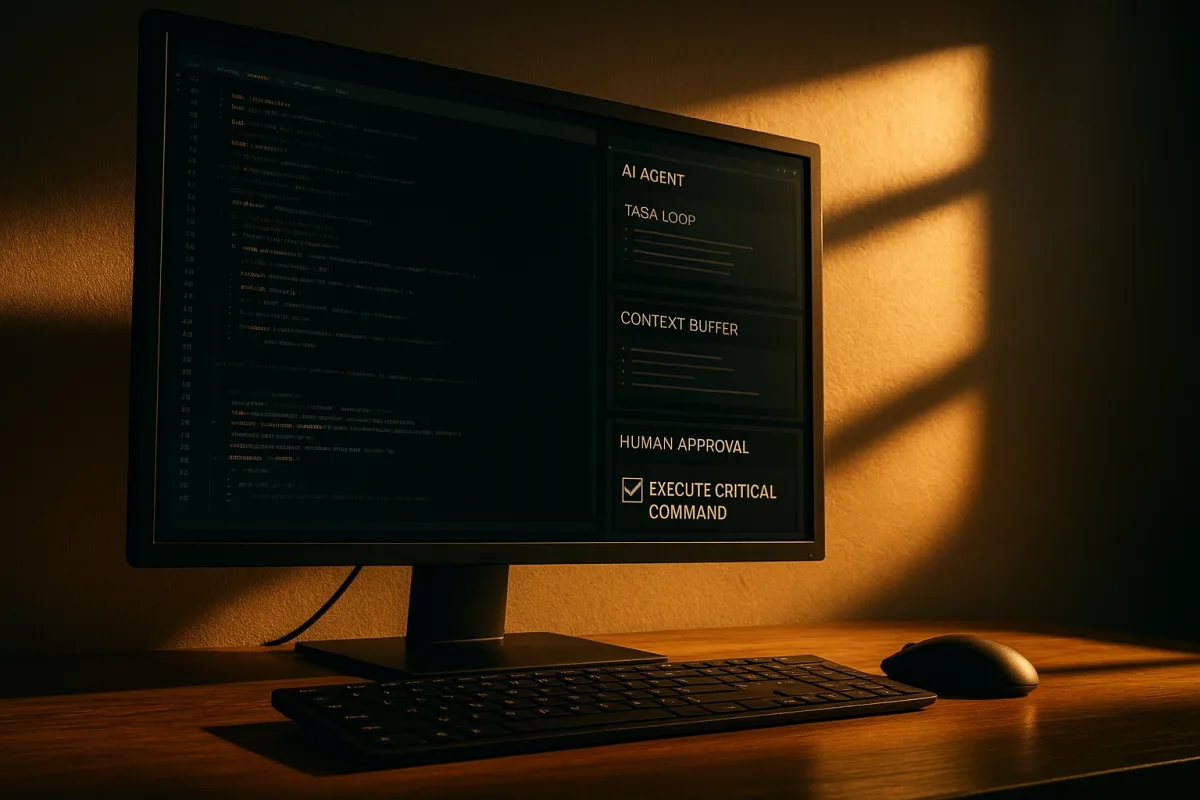
AI Agents Loop Engineering for Improved AI Systems
Learn how AI agents loop engineering improves AI systems with best practices for context, verification, and reliable task completion.
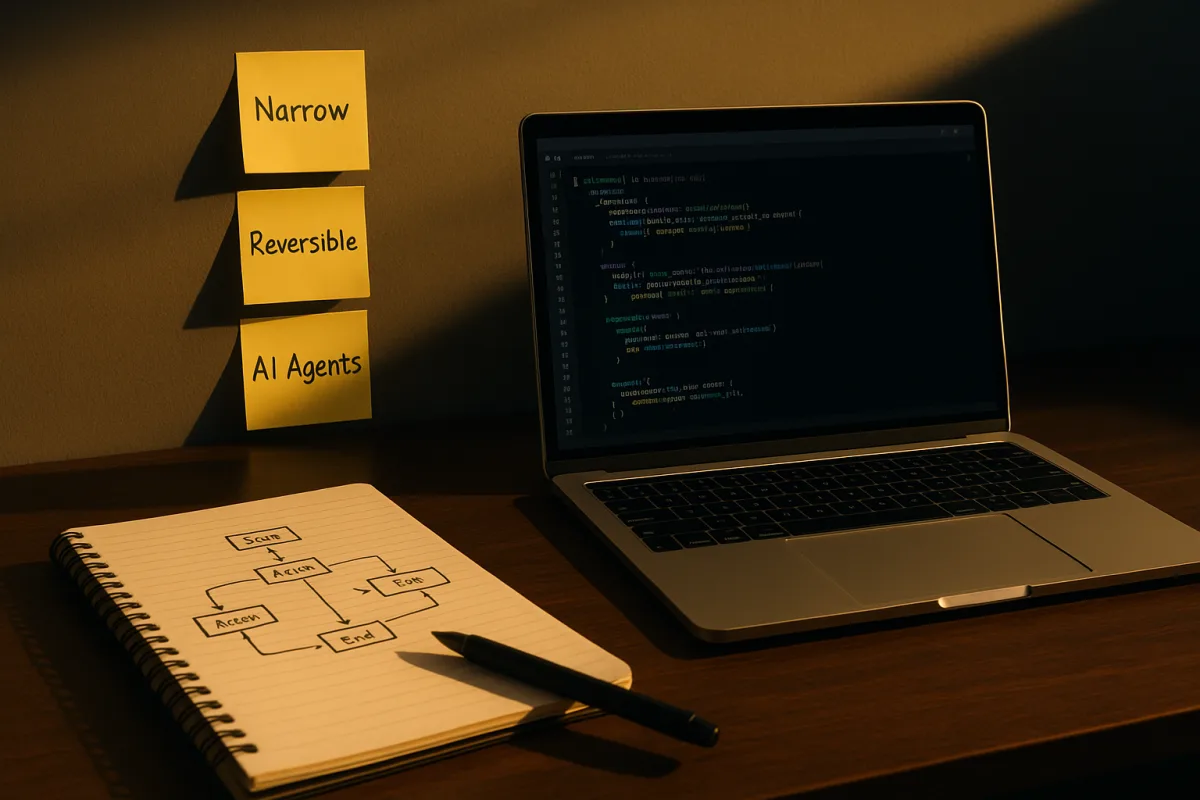
AI Automation Workflow Best Practices for Reliable Systems
Explore AI automation workflow best practices and tools to build secure, reliable, and manageable AI-driven processes.
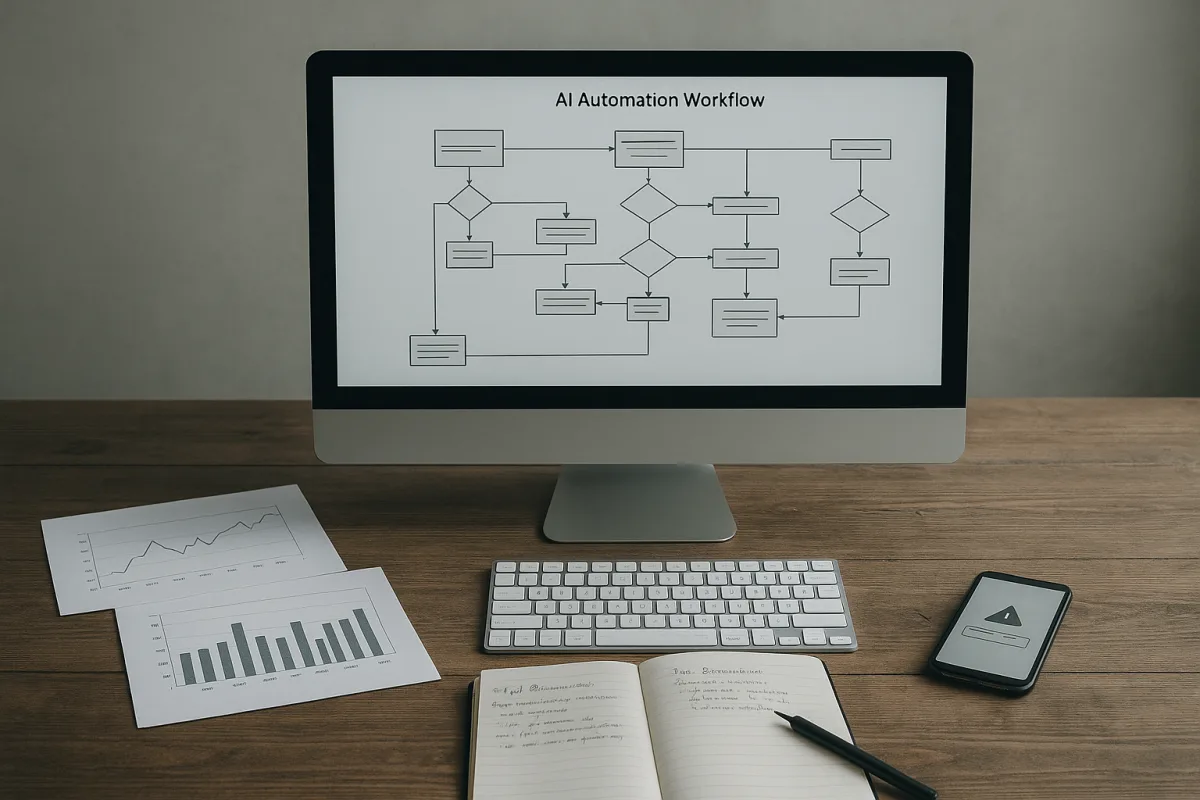
AI Automation Workflows
Learn best practices for designing AI automation workflows, setting autonomy levels, and safely integrating AI with business tools.

AI Agent Workflows for Reliable Decision Automation
Explore AI agent workflows that enable auditable, human-approved automation for reliable decision-making and coding practices.