
Voice Assistant Development Patterns for Real-Time AI
Explore voice assistant development patterns, latency challenges, and multimodal AI integration for real-time voice applications.
The quick list
- Best overall: NeuralNine’s Python Jarvis build, for developers who need a voice assistant that can take actions across existing work tools.
- Best for multimodal agents: Google Cloud Gemini Live API vision pattern, for teams building voice agents that need to inspect documents, objects, screens, or changing physical environments.
- Best value for analyst enablement: Simplilearn’s GenAI-powered SQL course, for analysts learning to turn natural-language questions into reviewed SQL queries.
You are choosing among three very different forms of “real-time AI.” One listens and acts through tools, one combines spoken context with a camera feed, and one helps an analyst interrogate a database. They share an LLM, but they fail in different ways.
The voice-assistant route fails when tool permissions, latency, or authentication are poorly designed. The vision route fails when developers send too many frames or collect video without a clear purpose. The SQL route fails when users trust plausible-looking queries without checking joins, filters, and access boundaries.
Comparison table
| Option | What you build or learn | Primary interface | Pricing reported | Architecture layout | Main strength | Main trade-off |
|---|---|---|---|---|---|---|
| NeuralNine Python Jarvis build | A customizable voice assistant with connected services | Real-time speech | 300 free Agora conversational AI minutes for new sign-ups, later usage pricing is not stated | Python backend, Agora voice engine, browser frontend, MCP tools, Google APIs, IMAP | Broad tool integration and editable code | Demo shortcuts are unsafe for production, and end-to-end latency is not independently established |
| Google Cloud Gemini Live vision pattern | A voice-and-vision agent that accepts image frames | Audio plus snapshots or streams | $0.0085 per GiB ingestion and consumption; Gemini 4 Argon promotional rates are $2 per million input tokens and $10 per million text-output tokens through December 31, 2026 | Browser camera, canvas, JPEG, image blob, live model session | Clear design pattern for grounding speech in what the camera sees | Continuous frames cost context and can disrupt voice sessions |
| Simplilearn GenAI-powered SQL | SQL skills plus AI-assisted query generation and explanation | Natural language and SQL | No course price is stated | Relational database, SQL editor, generative AI assistant, analyst review | Accessible path from business question to query | It teaches workflow, not a governed enterprise semantic layer or automatic data correctness |
Best overall: a tool-using Python voice assistant
NeuralNine’s build is the closest option to the Jarvis idea most teams actually mean: speak a request, have an agent understand it, then update a real system. The demonstration reads a calendar, creates a calendar event, and logs time to a Google Sheet.
Its layout is straightforward. Python runs the backend and agent logic, Agora provides speech-to-text, reasoning, and text-to-speech, while Google Cloud services connect Sheets and Calendar. Notion arrives through an MCP server, and email is accessed over IMAP.
The useful part is not the default chat interface. It is the tool boundary. The tutorial starts with two deliberately small tools, adding and listing to-do items held only in memory, then extends the pattern to Notion and other services.
That makes this the best overall starting point if you already have APIs to call. You can substitute models, voices, services, prompts, and branding without rebuilding the interaction layer. Agora’s command-line starter creates a project with a JavaScript frontend and Python server components.
The starter uses GPT-4o mini for reasoning, a speech-to-text model, and MiniMax for speech synthesis. NeuralNine shows a speech-to-text latency of 189 milliseconds in its local interface, but that is one pipeline component, not a measured end-to-end response time.
This is where many voice-agent comparisons go wrong. Picovoice reports sub-200-millisecond response for its Orca text-to-speech engine, while an OpenBenchmarks listing shows a 1,296-millisecond median time to first audio byte for one evaluated agent. [3][4] Both figures can be true.
A user experiences the whole chain: microphone capture, speech recognition, model reasoning, tool call, database or SaaS response, speech synthesis, and network delivery. Published projects use different prompts, turn lengths, infrastructure, and clocks, so there is no standardized latency score that makes these stacks directly comparable. [3]
NeuralNine also calls out its largest production caveat. To expose local MCP tools through ngrok, the demonstration disables a rebinding protection setting. The creator says explicitly that this is only for a demo, not a production configuration.
Do not carry that convenience into a system that can read email or create calendar events. Put MCP tools behind authenticated infrastructure, scope each tool to the smallest necessary permission set, log calls, and add confirmation steps before consequential actions.
The initial 300 free conversational AI minutes make the tutorial cheap to prototype. They do not establish operating cost, because we found no published post-credit Agora, model, hosting, or connected-service pricing. Your workload and tool-call volume decide that bill.
Best for multimodal agents: Gemini Live vision
Google Cloud Tech’s Gemini Live API pattern solves a different problem: your agent needs visual grounding. A user can ask, “What is this?” while holding an object in view, or ask an agent to read a label without spelling out its text.
The important implementation detail is refreshingly unglamorous. A live video agent is not generally uploading a movie file. The browser captures a camera frame, draws it to a canvas, turns it into a JPEG, wraps the bytes and MIME type as an image blob, and sends it into the live session.
That yields two design modes. A snapshot sends one selected frame when the user says “look at this.” A stream sends frames continuously while the camera observes a changing scene. Google Cloud Tech recommends snapshots as the default for static scenes such as documents, outfits, or post-click browser states.
We agree. A browser agent should usually return one screenshot after an action, not keep streaming the page. The model needs evidence of the changed state, not a constant visual feed competing with audio interaction.
Streaming earns its complexity when the world changes without a user action: a person walks through a room, a camera watches a physical process, or an agent must maintain awareness of an active scene. Even then, the channel recommends modest frame rates.
The reason is context pressure. Every frame consumes tokens and attention. Send too many images in a live audio session and the conversation can become unstable. Google Cloud Tech’s proposed alternative is a separate “skywatcher” vision model that monitors frames for a narrow event, then alerts the main conversational agent.
Google Cloud’s reported pricing has several separate meters. Data ingestion and consumption are listed at $0.0085 per GiB. Pretrained vision features such as person or vehicle counts, face blur, PPE detection, and object detection are listed at $0.10 per minute.
Gemini 4 Argon has promotional pricing through December 31, 2026 of $2 per million input tokens and $10 per million text-output tokens. Those are service charges, not a complete project budget: camera hardware, browser development, storage, logging, identity systems, and data governance can all add cost.
For visual inspection, Google Cloud lists custom AI training at $2 per node hour. Occupancy Analytics Suite is listed at $20 per count per month. These figures suggest that always-on vision can become a product-budget decision quickly, even before teams account for human review.
Privacy constraints are also tighter than in a toy object-recognition demo. GDPR emphasizes explicit consent and data minimization for personal audio and video, while HIPAA requires safeguards and vendor agreements when protected health information is involved. [5][6] A system that watches people needs retention and access rules before it needs another model.
Best value for analyst enablement: GenAI-powered SQL
Simplilearn’s two GenAI-powered SQL uploads cover the same basic proposition: teach analysts traditional SQL and use generative AI as a query-writing assistant. This is the least real-time option in the roundup, but it may deliver the fastest business result.
The curriculum begins with databases, tables, retrieval, filtering, sorting, aggregation, joins, subqueries, common table expressions, and window functions. It then applies generative AI to draft queries, explain unfamiliar statements, identify errors, and suggest code improvements.
That scope is right for a beginner or an analyst returning to SQL. In Simplilearn’s class poll, 53 participants reported no SQL experience, 16 said they had some knowledge but did not use it regularly, and only two said they actively worked with SQL.
The strongest message is also the least glamorous: practice and verification remain necessary. Simplilearn explicitly says analysts should validate AI-generated queries so results reflect actual business data. That is the difference between a helpful drafting tool and an unreviewed reporting risk.
An LLM can produce syntactically correct SQL that joins the wrong keys, ignores a date boundary, duplicates revenue through a many-to-many join, or quietly queries a table with a misleading name. A fluent explanation does not reveal any of those mistakes.
Enterprise deployment adds data readiness problems. Fragmented data, inconsistent schemas, legacy-system integration, weak governance, skills gaps, and unclear ROI can all slow an AI SQL rollout. The course is a foundation for the individual analyst, not a complete answer to those organizational problems.
We found no published price for the course or the professional certificate it promotes. It also does not specify which generative AI tools access the database, where prompts are retained, or how credentials are scoped. You need those answers before pasting sensitive business data into an assistant.
Which option we would pick
We would start with the Simplilearn path if your team’s bottleneck is analyst throughput. It is the shortest path to better questions, clearer SQL, and faster iteration, provided every generated query is reviewed and run with least-privilege data access.
We would choose NeuralNine’s Python and Agora architecture for an internal productivity assistant. It fits teams that need calendar, email, ticketing, documentation, and time-tracking actions, and that can operate the identity, hosting, audit, and permission layers the demo leaves open.
We would choose Gemini Live vision only when seeing changes the answer. A user holding up a product label, a field worker inspecting equipment, or an accessibility assistant identifying objects are good fits. For a static browser or document workflow, begin with snapshots.
We would skip continuous video streaming for an early prototype unless the agent truly must watch motion or evolving state. It increases token use, context management, privacy exposure, and failure modes. One well-timed image often gets you the same answer.
Frequently Asked Questions
What are common development patterns for voice assistants?
Common patterns include building customizable voice agents that integrate with existing tools and services, combining voice with vision inputs for multimodal interaction, and using AI to assist with specific tasks like SQL query generation. Each pattern uses different architectures and interfaces, such as Python backends with speech engines, camera inputs with live model sessions, or natural language interfaces for database querying.
How to build a customizable voice assistant with tool integration?
A typical approach uses a Python backend to handle agent logic, speech-to-text and text-to-speech services for voice interaction, and APIs to connect with calendars, email, or productivity tools. Starting with simple in-memory tools and gradually adding integrations allows customization. Authentication and secure hosting are essential for production deployments.
What are the challenges of latency in voice AI applications?
Latency varies widely depending on the components and setup, ranging from about 0.3 seconds to over 2 seconds for end-to-end response times. Fast text-to-speech alone does not guarantee a fast assistant since the full chain includes microphone capture, speech recognition, reasoning, tool calls, and audio delivery. Lack of standardized benchmarks makes direct comparisons difficult.
How do multimodal voice agents combine vision and speech?
Multimodal agents use camera inputs alongside spoken requests to ground voice commands in visual context. They typically process snapshots rather than continuous video streams to avoid consuming too much context and destabilizing the interaction. This pattern is useful for inspecting documents, objects, or physical environments in real time.
What are best practices for securing voice assistant tools?
Security requires placing tool integrations behind authenticated infrastructure rather than exposing them directly in demos. Consent, data retention policies, access controls, and human review processes are necessary when handling sensitive customer, employee, health, or financial data. Avoid demo shortcuts that disable protections in production environments.
How we researched this
This article was assembled from 4 video sources across 3 channels, 6 cited references.
Nothing here is based on hands-on testing. Where a figure or finding appears, it belongs to the source cited beside it, and the writing says so rather than implying otherwise. Every source is listed below so you can check it.
Sources
GenAI Powered SQL for Business Analysts Full Course 2027 | Master SQL & AI Skills | Simplilearn, Simplilearn
Build Your Own Jarvis in Python (Real-Time Voice Assistant), NeuralNine
GenAI-Powered SQL for Business Analysts 2027 | Master SQL, AI & Data Analytics | Simplilearn, Simplilearn
Real time vision for AI agents: Snapshots, streams & Gemini Live API, Google Cloud Tech
Open-Source Text-to-Speech Latency Benchmark - Picovoice Docs
When AI Listens: Security and Privacy Challenges in Enterprise AI Voice Agents
Watch AI in Real-Time Applications and Voice Assistants on Youtube
Also from the sources
Related Articles
AI Agents in Real-Time Applications
Explore how AI agents work in real-time sports, robotics, and voice AI, focusing on latency, specialized tooling, and practical deployment challenges.
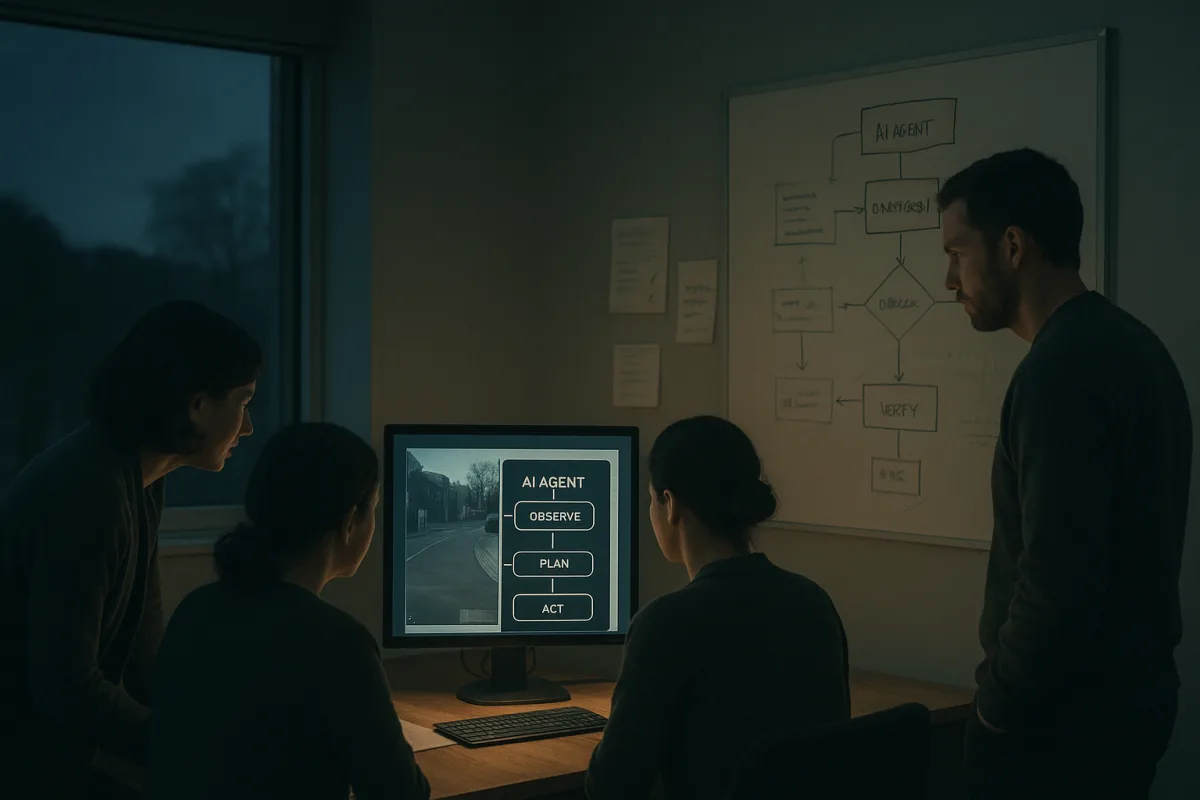
Agentic AI Design Principles for Reliable AI Agents
Learn key agentic AI design principles including the observe-plan-act-verify loop for building reliable and controlled AI agents.
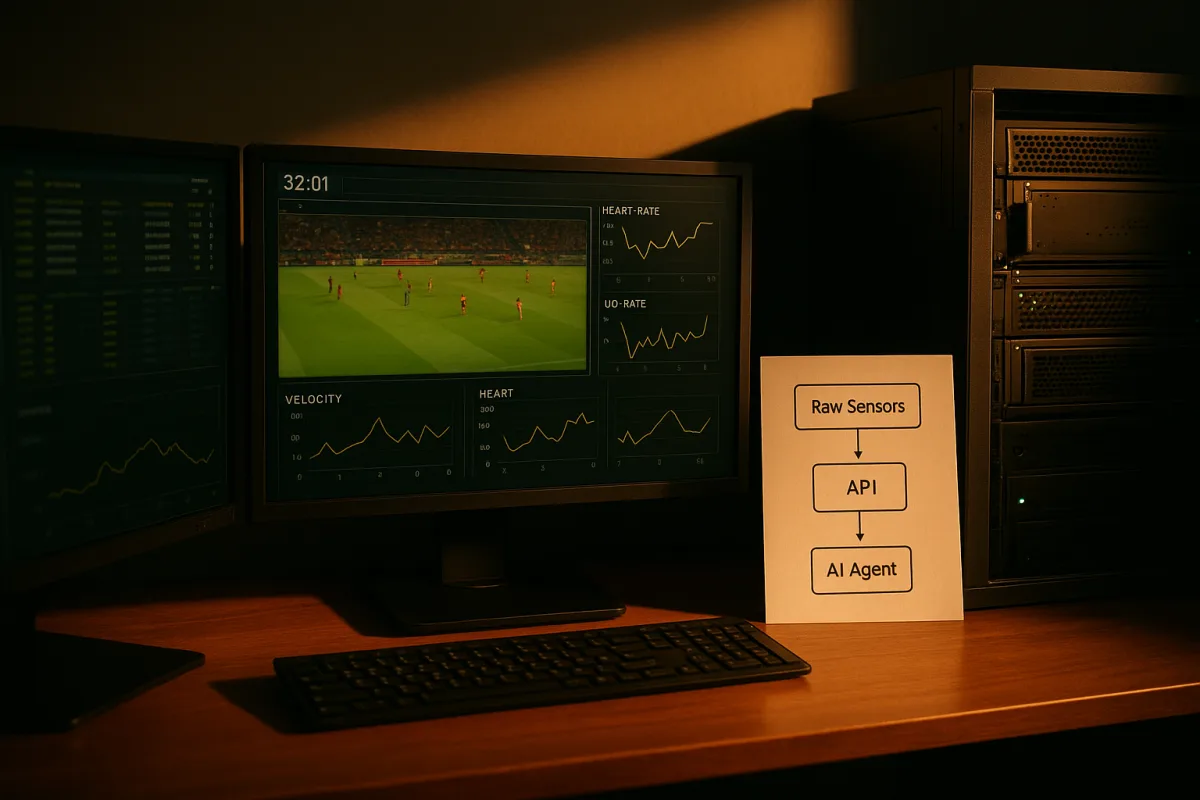
AI Agents Data Governance and API Integration Best Practices
Explore AI agents data governance and API integration to ensure reliable, real-time responses in specialized domains.

AI Agent Development and Multi-Agent Systems Best Practices
Learn AI agent development essentials, from single-agent workflows to multi-agent systems and tool integration challenges.