
AI Automation in Video Editing: Tools, Workflows, and Limits
Explore AI automation in video editing, including tools like Claude Opus 5.5 and Hyperframes, workflows, and practical limitations for content creators.
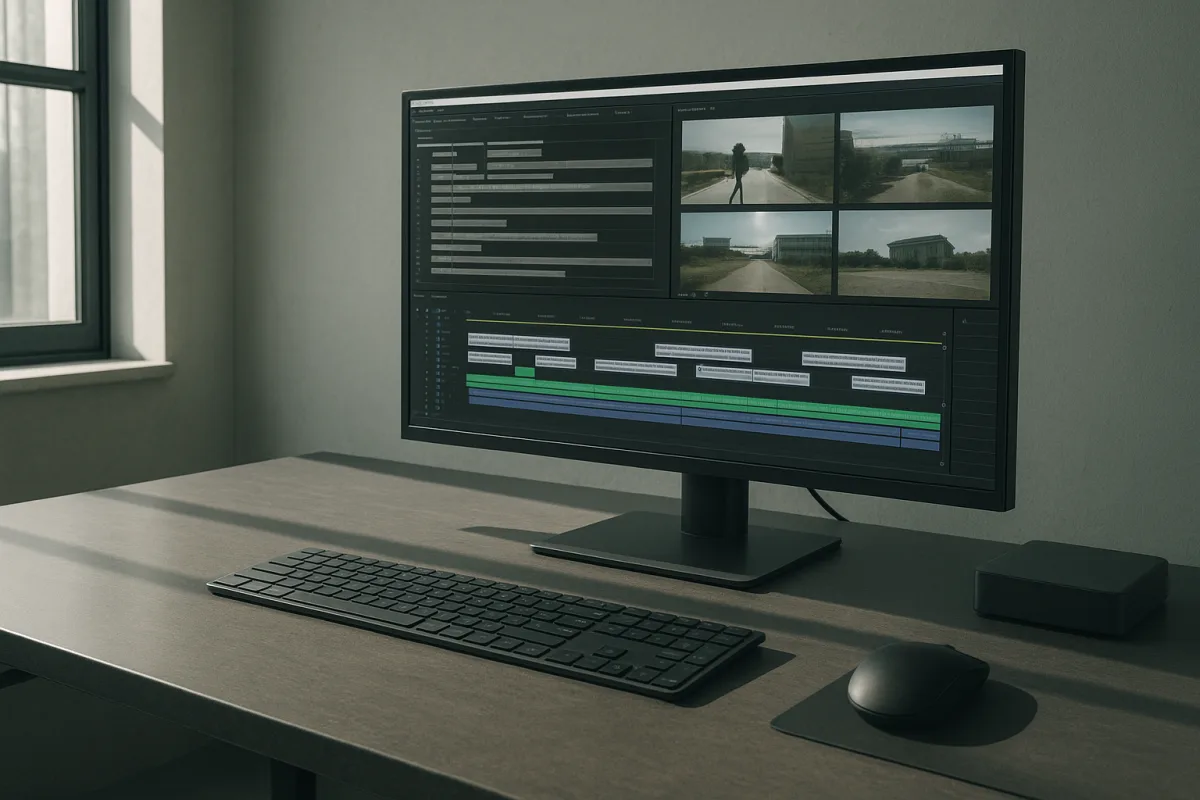
The shift is real, but it is mostly moving work between tools
AI video automation is shifting from isolated generators toward agent-managed production pipelines. Instead of prompting for a finished clip in one interface, creators are asking a coding agent to transcribe material, collect assets, generate motion-graphics code, call media APIs and assemble renders.
That distinction matters. The impressive part is not that a language model has suddenly become a seasoned offline editor. It is that the model can coordinate enough existing software to turn a relatively detailed creative brief into a first draft.
The evidence is broader than one polished demo. Traictory’s reporting on Claude Opus 5.5 describes explainer-video output as code-driven, while guides from Selects MCP, WisdomAI and Hyperframes describe workflows combining transcript extraction, web-style animation and rendering tools. [1][3][4][9]
The practical pattern is consistent: use a model to plan and write code, use a transcription system to establish timing, use a rendering environment to create motion graphics, and optionally call image or video generators for inserts. That is genuine workflow automation, even if it is not autonomous filmmaking.
Nate Herk’s AI Automation channel demonstrates this pattern with Opus 5.5 and Hyperframes. The reported workflow asks Claude Code to transcribe a talking-head clip, map particular words to graphic events, write HTML-based animations, gather screenshots or B-roll, and return a composed sequence.
The demo is useful evidence that the pieces can be connected. It is not evidence that the system can reliably make a publishable edit from arbitrary footage, nor that it understands the visual content of a rushes folder in the way a human editor does.
What “Hyperframes skills” actually add
Hyperframes is best understood as a reusable instruction and rendering layer for code-generated motion graphics. A skill can encode choices about typography, spacing, overlays, transitions, color and animation timing, then let an agent apply those conventions repeatedly.
That is why the term “skill” is more consequential than it sounds. A prompt such as “make it engaging” is vague and unstable, while a reusable skill can specify safe-title margins, caption treatments, logo placement, animation durations and visual hierarchy.
In the AI Automation demonstration, a motion-reel skill is created by asking the model to analyze a reference clip and turn its inferred design rules into reusable instructions. The reported output includes branded typography, generated inserts and animated layouts built from that skill.
There is a sensible production lesson here: encode decisions that should not be reconsidered on every job. A marketing team with five recurring video formats may get more value from one carefully reviewed motion template than from continually seeking more capable general-purpose models.
The limit is that these systems generally operate through text, code and external tools, not robust native understanding of every frame in a video. Selects MCP’s explanation of Claude video analysis says the model relies on speech-to-text transcripts rather than direct frame-level inspection. [3]
That makes transcript-led work a natural fit. Talking-head explainers, podcasts, webinars, product walkthroughs and educational clips have clear speech anchors, predictable branding and useful supporting text. A transcript offers enough structure to place callouts and captions with reasonable precision.
It is a worse fit for footage where the edit depends on a glance, a reaction shot, a camera error, a subtle change in exposure or an audio cue. No evidence in the supplied research shows Claude directly analyzing frame sequences or audio waveforms to make those editorial judgments. [3]
Hyperframes also does not solve every editing task. The independent research notes that it cannot cut real footage, while other components such as Remotion and Selects handle separate parts of a broader stack. [3][4][9] Calling the whole arrangement “one-click editing” hides the integration work.
Opus 5.5 is an orchestrator, not a video model
The most inflated claim around Opus 5.5 is that it “does” motion design, sound design, B-roll collection and media generation. In practice, the model writes and coordinates code, often using HTML, Playwright and ffmpeg, while other services generate or transform media. [1]
That can still be productive. A capable coding model can translate a creative brief into a project structure, create animated cards, build a timeline, fetch approved assets and run checks. For an engineer or technically confident creator, that removes many low-value setup steps.
But it does not mean Opus 5.5 directly generates video pixels or audio. Traictory reports that its explainer-video workflow is code-based, and KinoVela’s analysis of AI sound design notes that sound remains a separate production pass rather than a solved capability inside the coding model. [1][2]
The distinction becomes visible in the AI Automation channel’s examples. The claimed one-prompt reel uses external image and video generation, including Kling, before Opus 5.5 assembles the resulting materials. That is a pipeline achievement, not a single-model achievement.
The same channel’s comparison of effort settings is more revealing than the showreel. Its low-effort attempt at turning 105 GB of virtual-event assets into a 3D conference reportedly cost an estimated $3.91 in API-equivalent usage and took 16 minutes, but contained glitches and weak branding.
At medium effort, the channel reports a 73-minute run, 419,000 tokens and an estimated API-equivalent cost of $12.44. The result reportedly used more event-specific branding and live playback, but this is one creator’s task and evaluation, not a controlled benchmark.
That example illustrates the trade-off that promotional clips tend to omit. More agent effort can produce better asset selection, checks and implementation, but it costs more, takes longer and can still leave the user to diagnose defects. It is iterative software production with a video output.
Anthropic’s pricing cannot honestly be converted into a universal cost per edited minute. The research brief reports token pricing of $4 per million input tokens and $20 per million output tokens, with separate cache rates, but actual cost depends heavily on context size, retries, tool calls and render architecture.
For a small project, the meaningful question is not “what does AI editing cost per minute?” It is “which tasks create tokens, which create external API charges, and how many human review cycles are required before delivery?”
APIs are becoming the connective tissue
The other important trend is the normalization of media-model routing through APIs. Higgsfield’s API, launched in September 2026 according to the supplied research, offers one integration layer for multiple image and video models, including Kling, Seedance, MiniMax, WAN, Grok and Imagine.
AI News presents Higgsfield’s pitch in its most favorable form: a single key, common request shape and prepaid usage rather than separate integrations for each underlying model. The claimed value is not a superior model by itself, but reduced engineering friction when switching between models.
That is an incremental but useful change. Teams building an internal content tool often spend disproportionate time on authentication, request formats, generation polling, retries, storage and cost controls. A unified API can remove duplicated plumbing, though it also creates platform dependence.
Higgsfield’s own consumer offering is not API-only. Its subscription range runs from a free tier with 10 credits per day to an Ultra tier at $129 per month for 3,000 credits, according to Vo3AI’s pricing guide. [5] Those plans suit steady users who can use the credits before they expire.
The API alternative uses a prepaid balance and per-model rates, which VideoToolMap characterizes as a better fit for variable or lower-volume workloads. [6] For a software team, it also suits cases where generation must happen inside a custom product rather than an employee-facing web interface.
Prices shown in the AI News walkthrough should be treated as example requests, not durable benchmarks. It cites a Kling 3.0 run at about 6.3 cents per second in the playground and a separate code-driven run at 32 cents per second after discount, showing why settings and workflow matter.
A project planner should name the required models rather than assume equivalence. Kling and Seedance are video-generation options, while Higgsfield’s Marketing Studio is positioned for still-image production. The broader models are useful when a pipeline needs coverage, but model choice still needs task-specific evaluation.
What to automate first
A sensible first project is not “make our social content automatically.” It is one constrained format: turning approved webinar clips into 30-second captioned highlights, producing standardized product-feature explainers, or generating localized variants of a previously approved campaign.
Give the system a clean asset library, brand rules, a transcript source, an approved music library and explicit review gates. Whisper offers a local transcription route, while ElevenLabs provides a paid API option, as described by the AI Automation channel. Neither eliminates the need to check names, timings and quotations.
Separate editorial choices from mechanical work. Let automation find candidate moments, create rough captions, draft motion layouts, resize versions and prepare renders. Keep humans responsible for factual claims, rights clearance, visual taste, pacing, final selects and whether an output should be published.
This division is not conservatism for its own sake. The supplied research says autonomous short-form video attempts have produced low-quality edits, while code-generated animation can struggle with nuanced motion design and latency can be significant. [1][2]
The strongest near-term use case is therefore supervised scale. An editor can review ten machine-prepared variants faster than manually building ten from scratch, provided the source material, templates and acceptance criteria are consistent enough to make review cheap.
The compliance work is now part of the workflow
Automation also increases the chance that teams will generate realistic imagery at volume without asking basic provenance and consent questions. BetterVideo notes broader 2026 privacy concerns around realistic depictions of identifiable people, including transparency and deletion expectations. [10]
For EU distribution, Article 50 of the EU AI Act took effect on August 2, 2026 and requires standardized provenance watermarking for AI-generated video, according to AI Creative Lead. [7] Whether a vendor adds metadata does not remove the publisher’s responsibility to understand its obligations.
Microsoft 365’s early-2026 watermarking controls show the operational side of this change: watermarking may require deliberate administrator configuration rather than appearing automatically in every workflow. [8] A content team should verify outputs and document the source of generated assets before publication.
There is no direct evidence in the supplied research of a privacy breach or specific regulatory incident involving Opus 5.5 or Higgsfield’s API. That absence should not be misread as a guarantee. It means teams still need their own rules for uploads, retention, consent and synthetic-media disclosure.
Frequently Asked Questions
How does AI automation improve video editing workflows?
AI automation improves workflows by coordinating multiple tools to handle tasks like transcription, asset collection, code generation for motion graphics, and rendering. This approach turns a detailed creative brief into a first draft more efficiently, especially for repeatable formats with defined visual rules. It automates routine steps but does not replace the nuanced judgment of human editors.
What are the limitations of AI in automated video editing?
Current AI tools like Claude Opus 5.5 cannot directly analyze video frames or generate images and audio, relying instead on transcript-led workflows. They struggle with complex editorial decisions based on visual or subtle audio cues and require human refinement for quality control. Technical setup can be complex, and latency issues affect real-time editing capabilities.
How do tools like Claude Opus 5.5 and Hyperframes assist video production?
Claude Opus 5.5 generates code (e.g., HTML, Playwright) to create animations based on transcripts, while Hyperframes provides reusable instruction layers for consistent motion graphics styles and templates. Together, they automate assembly of graphics and templated renders, particularly for videos with clear speech anchors and predictable branding, but they do not perform actual footage cutting or complex editing.
Can AI fully replace human video editors?
No, AI currently cannot fully replace human editors. It lacks the ability to understand visual content deeply, make nuanced pacing or sound decisions, and handle subtle editorial judgments. AI tools serve as automation layers that assist editors but still require human oversight and refinement.
What types of videos are best suited for AI automation?
Videos with clear speech anchors and predictable formats, such as talking-head explainers, podcasts, webinars, product walkthroughs, and educational clips, are best suited for AI automation. These benefit from transcript-led workflows where captions, callouts, and templated graphics can be reliably applied. Complex footage requiring detailed visual or audio analysis is less compatible with current AI tools.
How we researched this
This article was assembled from 4 video sources across 3 channels, 10 cited references.
Nothing here is based on hands-on testing. Where a figure or finding appears, it belongs to the source cited beside it, and the writing says so rather than implying otherwise. Every source is listed below so you can check it.
Sources
Opus 5.5: How Close Are We to Automated AI Research? — AI Explained
Opus 5.5 Just Changed Video Editing Forever (free skills) — Nate Herk | AI Automation
I Tested Opus 5.5 at Every Effort Level. What You Need to Know. — Nate Herk | AI Automation
Higgsfield API Opened Access to ALL Higgsfield AI Models (AI VIDEO GENERATOR API) — AI News
Claude Opus 5.5 makes explainer videos by writing code, not by generating pixels | Traictory
AI Video Sound Design: The 2026 Audio Pass | KinoVela Studios
How Claude and Hyperframes Cut Vide... (2026) | @nateherk - WisdomAI
Higgsfield AI Pricing 2026 — Real Plans, Credits & Cost Per Veo 3 Video
Subscription Credits vs Pay-per-Second API (2026) | VideoToolMap
Microsoft 365 now watermarks your AI content - because nothing says "fun" like metadata tracking
Claude + Hyperframes - Setup-Anleitung für AI-Video-Editing aus dem Chat
Watch AI Automation in Video Editing and Content Creation on Youtube
Also from the sources
Related Articles

AI-Powered Multimedia Workflows for Content Creation
Explore AI-powered multimedia workflows that enhance video editing, coordination, and content creation with practical tool comparisons.
Generative AI Content Creation
Learn how generative AI content creation tools and workflows boost marketing efficiency and ensure compliance with best practices.
AI Automation Real-World Use Cases
Explore AI automation real-world use cases with GPT-6, Claude, Jev, and specialist tools. Learn model fits, costs, and workflow trade-offs.

AI Content Creation: Infinite Streaming and Agentic Avatars
Explore AI content creation with infinite streaming and agentic avatars for continuous, scalable video production and brand workflows.