
AI Automation in Customer Service: Best Practices and Costs
Learn how AI automation improves customer service with voice agents, workflow design, cost insights, and human escalation strategies.
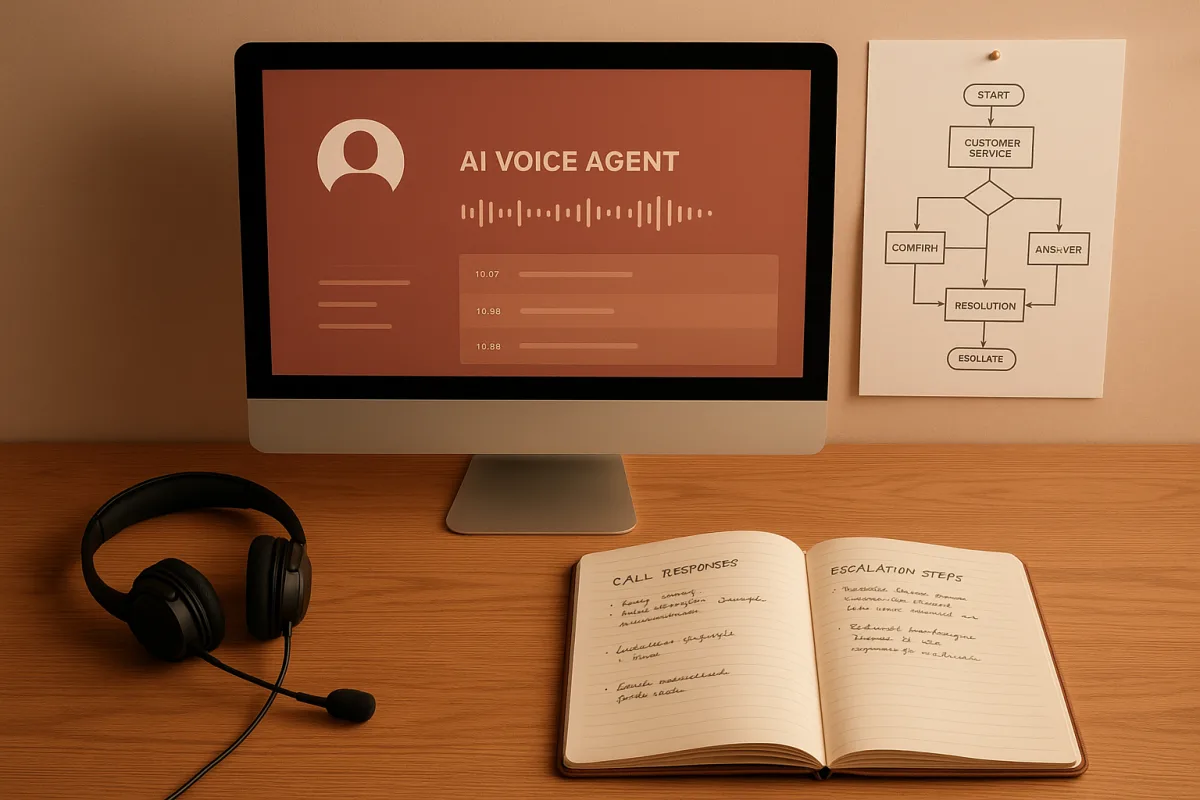
Find the call or task already costing you money
The missed-call alert is a good place to start. A prospect calls while your team is in a meeting, hears voicemail, and never tries again. That is a visible failure with a countable outcome.
List the recurring tasks around that failure: answering basic questions, qualifying callers, checking availability, creating a contact, booking an appointment, sending confirmation, and notifying an owner. Do not begin with “build an agent.”
Alex Hormozi, the Acquisition.com founder whose operating advice Nate Herk examined, frames the work as decomposing a role into its component workflows. An editor is not one task, for example, but transcription, clip selection, retake removal, and assembly.
That decomposition keeps you from paying to automate a job title. It also exposes steps you should delete, steps that need a rules engine, and steps where a language model can draft or classify information.
Choose one metric that connects to revenue or cost. For inbound calls, use answered-call rate, qualified-call rate, booked-meeting rate, show rate, and cost per completed booking, not the number of conversations your agent had.
Hormozi’s warning is well aimed here. He described a company that spent about $350,000 building AI to replace 11 virtual assistants performing data cleaning for roughly $11,000 monthly, even though the task was not its growth constraint.
We would start with missed inbound leads, repetitive support requests, or slow follow-up. We would skip a large internal automation project until it can show that it moves leads, sales, retention, delivery capacity, or an equivalent operating metric.
Set the agent’s job boundary before writing its prompt
Write a one-page operating brief before selecting a model or platform. Name the caller type, questions the agent may answer, facts it may cite, actions it may take, and the situations that require a person.
For a local service business, the first version might answer hours, service areas, pricing ranges already published on your site, and appointment availability. It should not quote custom work, resolve billing disputes, or invent exceptions.
Siraj Raval, testing HighLevel’s Voice AI on his business line, loaded the agent’s knowledge base from his own pages and instructed it to say it did not know when uncertain. The agent then offered a calendar booking instead of guessing.
That is the right pattern. A refusal plus escalation is preferable to an eloquent answer that creates a promise your team cannot keep, especially when a caller is asking about eligibility, price, safety, or contractual terms.
Voice systems still struggle with noisy environments, accents, longer multi-turn exchanges, latency, and integration failures with CRMs or databases.[2] Build for those conditions by keeping the opening flow short and confirming key details aloud.
Use structured fields for phone number, email, service requested, location, preferred time, and consent status. Do not ask the model to infer a name from a bad connection if the information affects a booking or customer record.
Connect the calendar before publishing the phone number
A voice agent that captures a message is an answering service. A voice agent that verifies availability, creates an event, writes a CRM record, and sends confirmation can remove a real operational gap.
In Raval’s seven-day HighLevel test, the agent accepted a caller’s requested Tuesday slot but failed to create the calendar event. The caller believed a meeting existed, and Raval found the problem only by reading the transcript.
His repair is the deployment lesson: add a workflow check after the model speaks. Confirm that the event exists, create the pipeline opportunity, tag the contact, send a recap text, and email the transcript to an accountable person.
Treat the spoken statement as provisional until the downstream system returns success. A prompt can instruct an agent to book, but an API response or workflow condition is what proves that the booking happened.
Run test calls covering an available slot, an unavailable slot, an after-hours request, a question outside the knowledge base, a caller who wants a human, and a caller with incomplete contact details. Check the CRM and calendar after each call.
Price the voice system as usage, not a flat subscription
Platform subscriptions are only one part of the bill. Raval quoted HighLevel plans at $97 per month for Starter, $297 for Unlimited, and $497 for Agency Pro, while its AI employee add-on was separately quoted at $50 or $97 per sub-account.
Those figures cover platform tiers or AI add-ons, not all call costs. HighLevel Voice AI requires its own phone system or a Twilio number, and usage adds voice minutes, text-to-speech, model tokens, and phone charges.
Raval reported $9.26 for his test week, covering 43 answered calls, including 24 human callers and 19 robocalls. He calculated 22 cents per answered call and $1.32 per booked meeting, based on seven meetings booked.
His total will not predict yours. He reported a voice-engine rate of 4.5 cents per minute, plus text-to-speech ranging from 1.5 cents to 17 cents per minute, model tokens, and phone charges.
Set a weekly spend ceiling and alerts before routing real traffic. Robocalls, repeated callers, long conversations, and a flawed workflow can turn a seemingly cheap minute rate into an unreviewed operating expense.
We would also retain a transcript sample from every early call. It gives you evidence for prompt changes, reveals questions missing from the knowledge base, and tells you whether callers actually reach the intended workflow.
Add live data only where stale answers create risk
A call agent can safely answer a stable question from approved business pages. It should not quote a current inventory count, a flight price, an appointment opening, a policy update, or a software API detail from model memory.
For those requests, connect approved live systems. Your own calendar, CRM, order database, inventory system, knowledge base, and current policy pages are generally a better first data layer than unrestricted internet search.
Siraj Raval’s comparison of two otherwise identical agents, one with web access and one without, makes the core point. The model did not change, but the agent with tools could search current pages and retrieve readable content.
Live web access adds another failure mode: an agent can read a stale listing, the wrong variant, a promotional price, or a misleading page and repeat it confidently. Require it to capture the URL, date, item identity, and condition.
For high-value recommendations, require two independent confirmations and present the evidence to the customer-facing employee or manager. Do not let a model make the final judgment about a price, availability claim, or contractual obligation.
Keep retrieval permissions narrow. The July 2026 Google Dialogflow CX flaw reported by Axios could have allowed attackers to hijack customer conversations, a reminder that customer-service integrations enlarge the security boundary.[1]
Keep a human route visible to customers
Put “speak to a person” in the voice menu, agent instructions, chat interface, and follow-up message. Customers should not have to learn prompt tricks or repeat themselves three times to exit automation.
Alchemer found that more than 40% of customers complained about being unable to reach human representatives in its 2026 customer-expectations report.[8] That is a service-design problem, not a model-quality problem.
The downside of getting this wrong persists beyond one bad call. Gartner reported that only 27% of customers would try a chatbot again after a negative experience.[7] A low-cost deflection can become an expensive retention failure.
Route emotionally charged, legally sensitive, payment-related, cancellation, safety, and complaint calls to humans early. Also route callers who ask the same question twice, explicitly challenge the agent’s answer, or fail identity verification.
Use the human handoff to transfer context. Send the transcript, caller details, stated goal, actions attempted, and any retrieved records. Making customers start over destroys much of the time you saved.
Decide whether to build internally or hire an automation agency
A self-built workflow is a strong fit when you already understand the process, have one or two systems to connect, and can assign someone to inspect calls and repair edge cases every week.
An agency can fit when the work crosses several systems, involves custom integrations, or needs ongoing ownership. Ask the agency to map the workflow and its failure states before it demos voices, avatars, or agent swarms.
AI Strike Force’s 2026 pricing comparison places a single workflow at $400 to $5,000 as a one-time project. It places multi-agent or enterprise systems at $25,000 to $150,000 or more, with tooling costs of $20 to $500 monthly depending on integrations.[4]
Ongoing support in that comparison runs from $200 to $2,000 monthly, while dedicated teams start around $10,000 per month.[4] BinaryFlow lists consulting at $150 to $350 per hour.[5]
AI Agent Corps also describes subscription offers of $199 to $799 monthly plus a $499 setup fee.[6] Those prices may include configuration and support, but they usually leave out your telephony, model usage, third-party software, and internal staff time.
We would buy a fixed-scope pilot with acceptance criteria: a defined workflow, systems included, expected volume, handoff rules, logs, spending limits, security responsibilities, documentation, and a measured result after 30 days.
Measure the workflow after the launch, not the demo
A polished conversation proves very little. The production question is whether customers got the right answer, whether the systems updated correctly, and whether the business outcome improved without shifting cost to another team.
Review every failed booking, escalation, complaint, duplicate contact, incorrect answer, and abandoned interaction during the first two weeks. Categorize each issue as knowledge, speech recognition, prompt behavior, integration, policy, or workflow design.
The customer-service risk is organizational as well as technical. ITPro reported that 74% of companies in a Sinch survey had rolled back or shut down AI agents due to data exposure, hallucinations, or weak auditability.[3]
Build auditability into the first version: transcripts, tool-call logs, versioned knowledge-base documents, workflow-change records, escalation outcomes, and a named owner. You need a trail when a customer says the agent promised something.
Once the first workflow works, expand one adjacent step at a time. An inbound-call agent can feed follow-up text, lead qualification, appointment reminders, support triage, and post-call summaries, but each addition needs its own success metric.
Frequently Asked Questions
How can AI automation improve customer service efficiency?
AI automation can improve efficiency by addressing measurable bottlenecks such as missed inbound calls or repetitive support questions. Automating tasks like answering basic questions, qualifying callers, booking appointments, and sending confirmations reduces manual workload and speeds up response times, ultimately increasing booked meetings or resolution rates.
What are best practices for deploying AI voice agents in business?
Start by defining a clear operating brief that limits the agent’s scope to specific caller types, questions, and actions, with a built-in human escalation path. Connect live data sources like calendars before publishing the phone number, and ensure the agent confirms key details aloud. Test workflows thoroughly to catch integration issues and avoid the agent making unsupported promises.
How do AI voice agents handle live data and escalation?
AI voice agents should access live data only where stale answers create risk, such as current prices or availability, and must show evidence before acting. When uncertain or faced with complex issues, the agent should refuse to answer and escalate the call to a human to avoid incorrect or misleading information.
What costs are involved in implementing AI automation for customer service?
Costs vary widely depending on scope. Single workflow automations can range from $400 to $5,000, while multi-agent enterprise programs may cost $25,000 to $150,000 or more. Platform subscriptions, phone system fees, usage charges for voice minutes and model tokens, and ongoing support retainers also contribute to total expenses.
How to ensure smooth human handoff in AI customer service automation?
Design the AI agent to recognize situations beyond its scope and to escalate calls promptly to a human agent. Maintain a human escalation path in the operating brief and confirm key customer information aloud before handoff. Testing calls with various scenarios helps ensure the handoff is seamless and that customers do not get lost in the workflow.
How we researched this
This article was assembled from 4 video sources across 2 channels, 9 cited references.
Nothing here is based on hands-on testing. Where a figure or finding appears, it belongs to the source cited beside it, and the writing says so rather than implying otherwise. Every source is listed below so you can check it.
Sources
Everything Alex Hormozi Said About AI in 2026, Nate Herk | AI Automation
I Studied 10,000 AI Websites… Here’s what I learned, Nate Herk | AI Automation
I Gave My AI Agent Live Internet Access (Here Is What Broke First), Siraj Raval
I Let an AI Agent Answer Every Call to My Business for 7 Days, Siraj Raval
Exclusive: Google patched AI chatbot flaw that could have exposed customer conversations
AI Voice Agents Challenges, Limitations & Future in Business
AI Automation Agency Pricing 2026: 14 Agencies Compared | AI Strike Force
Gartner Survey Finds Only 27% of Customers Would Try a Chatbot Again After a Negative Experience
Watch AI Automation in Business and Customer Service on Youtube
Also from the sources
Related Articles
AI Decision Queue Automation for Business Workflows
Learn how AI decision queue automation routes tasks, prioritizes inquiries, and integrates human review for effective business workflows.

AI Automation in Finance Workflows
Explore AI automation in finance workflows with GPT-6 Astra and Claude Fable, focusing on best practices, risks, and human oversight.

AI Legal and Enterprise Automation Workflows
Explore AI legal and enterprise automation workflows, comparing platforms, costs, and compliance for effective contract and back-office automation.
Agentic AI Systems: Control, Governance, and Practical Use
Explore agentic AI systems, their control layers, governance, and how they differ from conventional AI models in business automation.