
AI Agents in Smart Homes: How They Work and Their Uses
Learn how AI agents work in smart homes and productivity apps, including Google Home MCP, event-action loops, and permission controls.
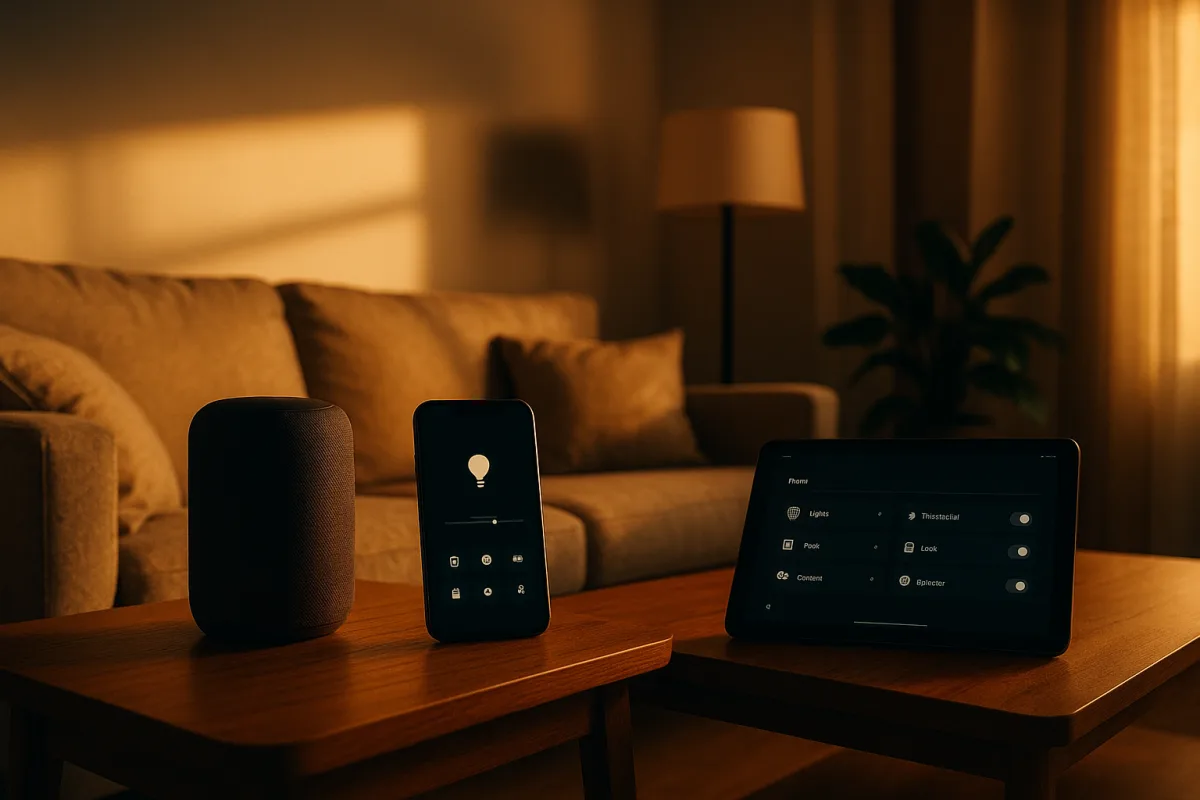
AI agents are becoming useful when the harness, not the chat, does the work
The agent is not the model
Most “AI agent” announcements invite an unhelpful mental model: a chatbot that has somehow acquired initiative. The more useful model is mundane software architecture. An agent is a language model wrapped in a harness that gives it context, tools, memory, scheduling, permissions, and limits.
Google Cloud Tech describes this distinction with a weather example. A language model can answer general questions from learned patterns, but “should I wear a raincoat?” requires current weather data. The harness retrieves that data, passes it alongside the request, and lets the model formulate an answer.
That sounds elementary, but it explains the recent move from chat interfaces to agents in smart homes and productivity software. The language model is usually the component that interprets ambiguity. The harness is what turns that interpretation into a calendar change, an inbox label, or a thermostat command.
Google’s new Google Home MCP integration is a clean example. As reported by The Verge, it lets compatible third-party agents access the data and controls in a Google Home installation through Model Context Protocol, or MCP. Google lists its own Antigravity, Anthropic’s Claude, Hermes, and Open Claw among compatible agent types. [3]
MCP is not itself an intelligent home controller. It is a standardized way for an agent to ask a connected system what tools and data it exposes, then call those tools in a structured format. Think less “digital butler” and more “software adapter with a natural-language front end.”
The important mechanism: an event-action loop
The key concept to understand is the event-action loop. A conventional smart home rule might say: at 7pm, turn on the hallway light. It is deterministic, narrow, and generally easy to inspect. An agentic loop adds interpretation before action.
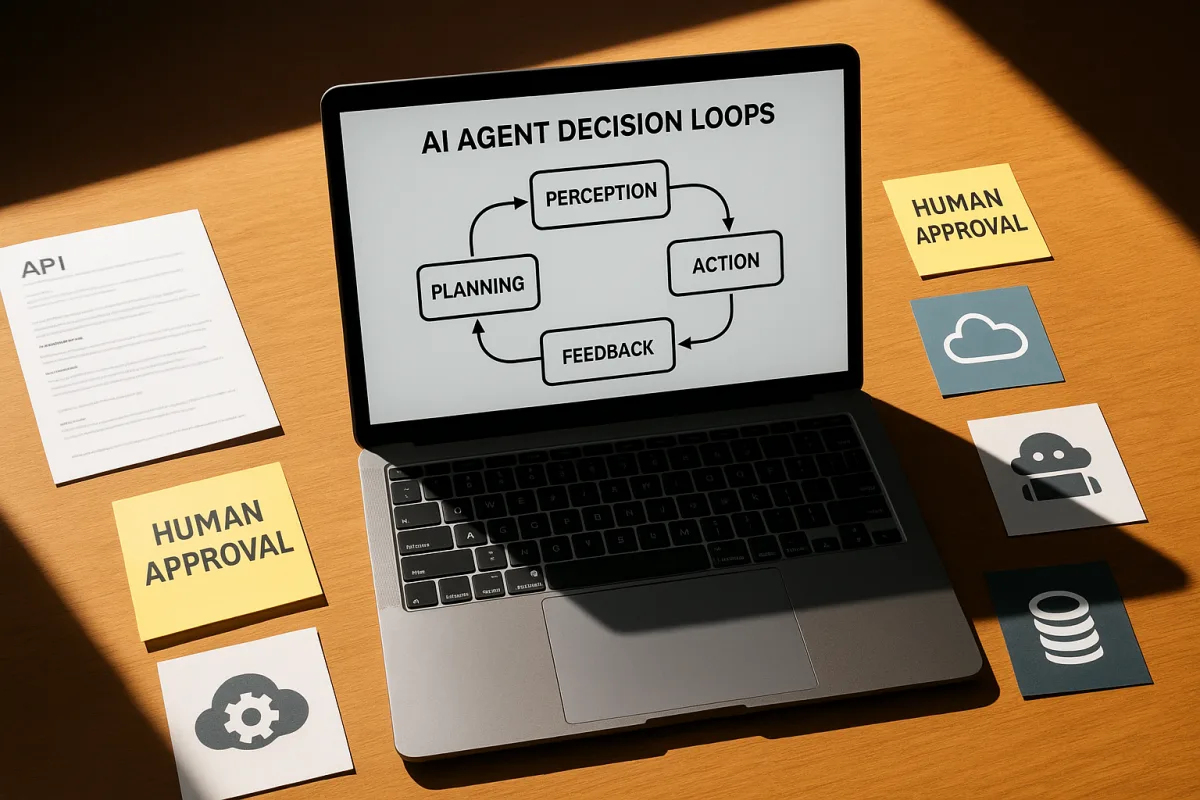
First, an event occurs. It could be a new email, motion detected by a camera, a device state change, a scheduled time, or a message from another service. Second, the harness gathers relevant information: device history, user preferences, tool documentation, or the contents of an email.
Third, the model decides what to do, from a bounded set of options. Finally, the harness executes the selected action, records it, and ideally sends a result back to the user. The model is one decision component in a larger feedback system.
The inbox example from Nate Herk | AI Automation illustrates the mechanics without much of the smart-home drama. The channel’s demonstration configures a Grok Bot agent to inspect email twice daily, classify messages into labels such as newsletters, outreach, primary, and urgent, then send a ClickUp notification.
That workflow is not magical autonomy. It has a schedule, Gmail credentials, explicitly described categories, permitted actions, and a notification channel. The agent does not need to “understand productivity” in a broad sense. It needs to map incoming messages to a limited routing policy.
The second workflow shown by Nate Herk | AI Automation is more agentic, and riskier. An Agent Mail inbox receives an email, emits a webhook, and that webhook wakes an agent. The agent can then inspect the message and act using connected tools.
A webhook is simply an event notification sent between services. Rather than asking an agent to check an inbox every 30 minutes, a mail service sends a request immediately when mail arrives. This lowers delay and avoids pointless polling, but it also makes external input a trigger.
That distinction matters for security. An inbox agent receives text written by strangers. A smart-home agent may consume camera captions, device names, calendar events, or messages. Any of those can contain misleading instructions, deliberate prompt injections, or simply ambiguous information.
Why Google Home MCP is consequential
Google Home’s MCP integration matters because it opens access to the underlying control and history layer, rather than merely adding another way to say “turn on the lights.” The Verge reports that agents can analyze device history, create custom dashboards, and communicate through Nest speakers.
A user could ask an agent how long lights were left on, how many laundry cycles occurred during the previous week, or what happened after a child arrived home. Those are queries across several events and devices, not commands addressed to one gadget.
This is where a language model can add something to classic home automation. Traditional rules are good at predefined triggers. They are poor at answering loosely phrased questions, diagnosing why an automation did not run, or turning a pattern in device history into a proposed rule.
But data access is also the point at which a home becomes more sensitive than a collection of light switches. Device histories can reveal routines, occupancy, sleep patterns, heating use, and when people enter or leave. Camera and speaker integrations raise the stakes further.
Google says its Home MCP applies rate limits and safety protections, including a restriction preventing agents from unlocking doors, according to The Verge. That is a sensible default, but it does not eliminate risk. It shifts attention to the larger permission boundary.
An agent that cannot unlock a door may still alter heating schedules, switch off security-relevant lights, inspect event history, send speech through a household speaker, or create confusing automations. The harm model is broader than physical entry.
The available access is also narrower than launch headlines suggest. Google Home MCP is in early access for Google Home Premium Advanced subscribers in the United States, at $20 monthly or $200 annually. Google has not published rollout timing, regional availability, or pricing for other tiers. [1][3]
It also requires users to create and configure a Google Cloud project. That is a meaningful barrier. It signals that the initial audience is technically confident household administrators and developers, rather than every person who owns a Nest speaker.
Permissions are the product
The hard problem is not making an agent say it can manage a home. It is deciding exactly which information it can read, which actions it can take, when it may act without confirmation, and how a human can reconstruct what happened.
Google Cloud Tech’s discussion of “harness engineering” makes the same point in software development. The harness supplies documentation, coding conventions, tests, static verification, observability tools, and review constraints. Better models help, but they do not automatically know what “good” means in a specific environment.
In a smart home, the equivalent is device metadata, household rules, allowed actions, escalation paths, and audit logs. “Lower the heat if nobody is home” is not a sufficient instruction until “nobody,” “home,” a safe temperature range, and exceptions are defined.
The same applies to productivity agents. Nate Herk | AI Automation’s inbox classifier works because it is constrained to labels and highlights. It does not draft replies or send messages. That containment reduces the cost of a false classification.
By contrast, the channel also shows a trading-oriented agent activated by email. That design chains together market research, a mail message, a webhook, and a tool capable of placing or selling trades. Each component may function as intended, yet the combined system creates a large failure surface.
Grok Bot runs on a persistent cloud virtual machine per account and can connect to services using real credentials. It is available through bundled plans rather than a standalone product. That architecture makes unattended operation possible, but makes credential scope consequential. [9]
The listed plans are SuperGrok Plus at $100 per month, suited to individual users needing ongoing agent access; SuperGrok Heavy at $300 per month, suited to heavier individual use; Cursor Pro+ at $60 monthly; and Cursor Ultra at $200 monthly, aimed at individual coding workflows.
For organizations, Cursor Teams Standard is listed at $40 per seat each month, while Cursor Teams Premium is $120 per seat monthly. These prices cover the relevant subscription tier, not third-party costs such as email, CRM, cloud services, trading accounts, or usage charges beyond included allowances. [9]
The right question is therefore not whether an agent “has its own inbox.” It is whether that inbox can cause an irreversible action, who can modify its instructions, which credentials it holds, and whether its decisions can be inspected after the fact.
The case for boring autonomy
The useful early applications are not cinematic demonstrations of an agent “running your life.” They are small loops where the agent reduces clerical work and a person can cheaply correct it. Email labeling is better than autonomous emailing. Proposed routines are better than silently changing a home.
This is particularly important because agent reliability is uneven. Reporting found that the top agent in a study of 45 systems scored 18 out of 20 on real-world browsing and transaction tasks. That is respectable, but a 10 percent miss rate is not acceptable for many household or financial actions. [6]
Identity is another neglected constraint. IT Pro reports that 68 percent of organizations struggle with identity and access management for AI agents, including distinguishing agent activity from human activity. [7] Consumer smart homes have even less mature administration and auditing than many workplaces.
Privacy law does not solve those operational problems. California residents have rights under the California Consumer Privacy Act, while the GDPR can apply to data about EU residents processed by US companies. Those frameworks matter, but they do not provide a consumer-friendly dashboard for agent permissions. [4][5]
There are also precedents for smart devices collecting more than owners expect. Tom’s Guide has reported privacy concerns around smart television data collection, including LG TV audio recording behavior. [4] Connecting more systems through an agent expands the number of paths through which sensitive household data can be interpreted or retained.
Creative-agent demos need the same reading
Productivity agents can look more capable because their outputs are files rather than physical actions. AI News presents GPT-6 Astra connected to Higgsfield through an MCP plugin, with claimed workflows across After Effects, Logic Pro, Blender, AutoCAD, and Unreal Engine.
The underlying pattern is familiar. Astra interprets the brief, MCP exposes connected creative tools, and those applications or services perform operations such as asset generation, track organization, scene construction, or rendering. The agent coordinates a toolchain, it does not replace the toolchain.
That can save time in repetitive setup work, especially when projects have clear templates and validation criteria. GPT-6 Astra remains vulnerable to hidden prompt injection at roughly one failure in 12, and its chain-of-thought controllability is reported at 60.9 percent. Human supervision remains necessary.
The sober interpretation is that MCP makes cross-application workflows easier to assemble. It does not make every generated edit correct, every media asset licensed, every measurement accurate, or every project file safe to overwrite. Those remain responsibilities distributed between software vendors and users.
For homes and offices, the adoption path should be similarly incremental. Give an agent read access before write access. Let it produce a morning digest before it changes a schedule. Require approval before external communication, purchases, or device changes with safety implications.
That is not doom framing, and it is not an argument that agents are useless. It is how reliable systems are normally built. The impressive part of current agents is not that they can call a tool once. It is that harnesses are beginning to make repeated, bounded tool use practical.
Frequently Asked Questions
What are AI agents in smart homes and how do they work?
AI agents in smart homes are language models wrapped in a software harness that provides context, tools, memory, scheduling, permissions, and limits. They interpret ambiguous requests and translate them into structured commands executed on smart devices. The harness gathers relevant data and controls, while the model selects actions within a bounded set of options, forming an event-action loop.
How does Google Home MCP enable AI agents to control smart devices?
Google Home MCP (Model Context Protocol) acts as a standardized bridge allowing compatible AI agents to access device data, event history, and approved commands within a Google Home ecosystem. It does not itself control devices but lets agents query available tools and issue structured commands, enabling richer interactions beyond simple voice commands, such as analyzing device usage patterns or creating custom dashboards.
What is the event-action loop in AI agent automation?
The event-action loop is a cycle where an event occurs (e.g., motion detected, new email), the system gathers context (device history, preferences), the AI model decides on an action from permitted options, and the harness executes and records the action. This loop adds interpretation and flexibility compared to traditional deterministic automation rules.
What permissions do AI agents need for smart home control?
AI agents require explicit permissions to access device data, event histories, and the ability to execute approved commands. These permissions are managed by the harness and include safeguards like rate limits and safety protections. Users should carefully manage these permissions and review privacy policies due to the sensitive nature of smart home data and potential security risks.
How do AI agents improve productivity applications?
AI agents improve productivity by automating observable, reversible tasks such as email labeling, daily summaries, and suggesting automations. They operate within defined schedules and permissions, mapping inputs like incoming messages to limited routing policies rather than broad autonomous understanding, thus reducing risk and enhancing efficiency in routine workflows.
How we researched this
This article was assembled from 3 video sources across 3 channels, 1 published article, 10 cited references.
Nothing here is based on hands-on testing. Where a figure or finding appears, it belongs to the source cited beside it, and the writing says so rather than implying otherwise. Every source is listed below so you can check it.
Sources
Agent Harnesses Explained: Inside the Stack Behind Antigravity, Claude Code & Cursor, Google Cloud Tech
Grok Bot Manages My Inbox (and has its own), Nate Herk | AI Automation
GPT-6 Astra + Higgsfield AI Unlock 6 New Agentic AI Capabilities, AI News
Google will now let any AI agent run your smart home, The Verge AI
Google Home Opens Doors to Third-Party AI Agents | AI News GlobAI
Google Home MCP lets Antigravity, Claude control your smart home
Yes, LG smart TVs know more about you than you think - but so do other TV brands
Smart Home AI Agent Security Is Still Missing | AiToolsObserver
Research finds AI agents haven't quite mastered real-world browsing tasks despite claiming they can
(PDF) Smart Home IoT: Current Development, Bottlenecks, and Optimization Strategies
Google Home Is Going Agentic Via Integration With The MCP Standard
Watch AI Agents in Smart Home and Productivity Applications on Youtube
Also from the sources
Related Articles

AI Agents Loop Engineering for Improved AI Systems
Learn how AI agents loop engineering improves AI systems with best practices for context, verification, and reliable task completion.
AI Agents Action Selection
Explore AI agents' action selection, integration challenges, and security in automation. Learn about personal AI agents and best practices.
Agentic AI Systems: Control, Governance, and Practical Use
Explore agentic AI systems, their control layers, governance, and how they differ from conventional AI models in business automation.

Google Gemini 4 Argon AI Model: Token Limits and Agentic AI
Explore Google Gemini 4 Argon AI model's token limits, pricing, and agentic AI features for complex workflows and robotics simulations.